Best Budgeting Apps for 2026 Compared
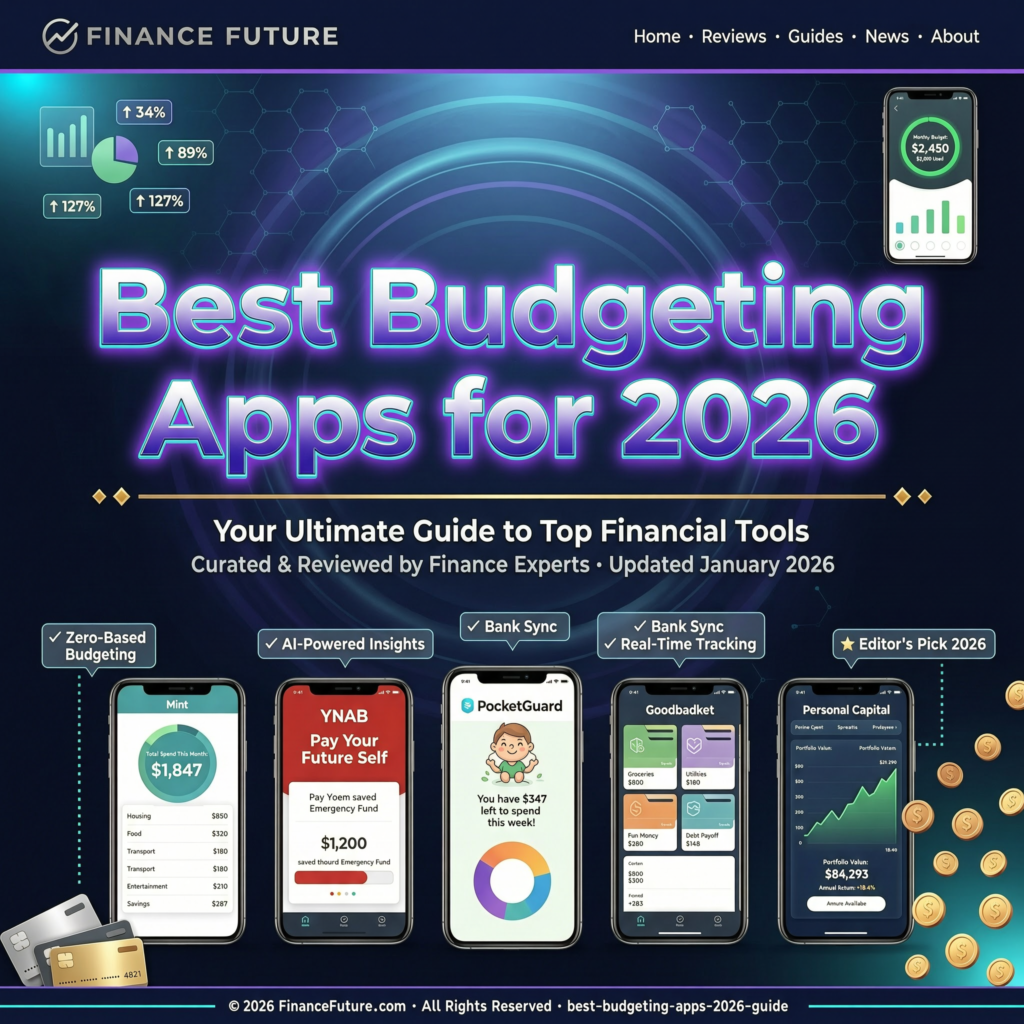
The Best Budgeting Apps for 2026 Compared
I blew through $1,400 in a single month last year without buying anything memorable. No vacation, no new gadget, no fancy dinner. It just vanished like water through a cracked pot. That wake up call sent me on a six month journey testing every popular budgeting app I could get my hands on. Some changed how I think about money. Others made me want to throw my phone into a lake.
Here is what I learned after putting nine of the top budgeting apps through real, everyday use on my Samsung Galaxy S24 and my old iPad Air.
Why Most People Quit Budgeting (and How the Right App Fixes That)
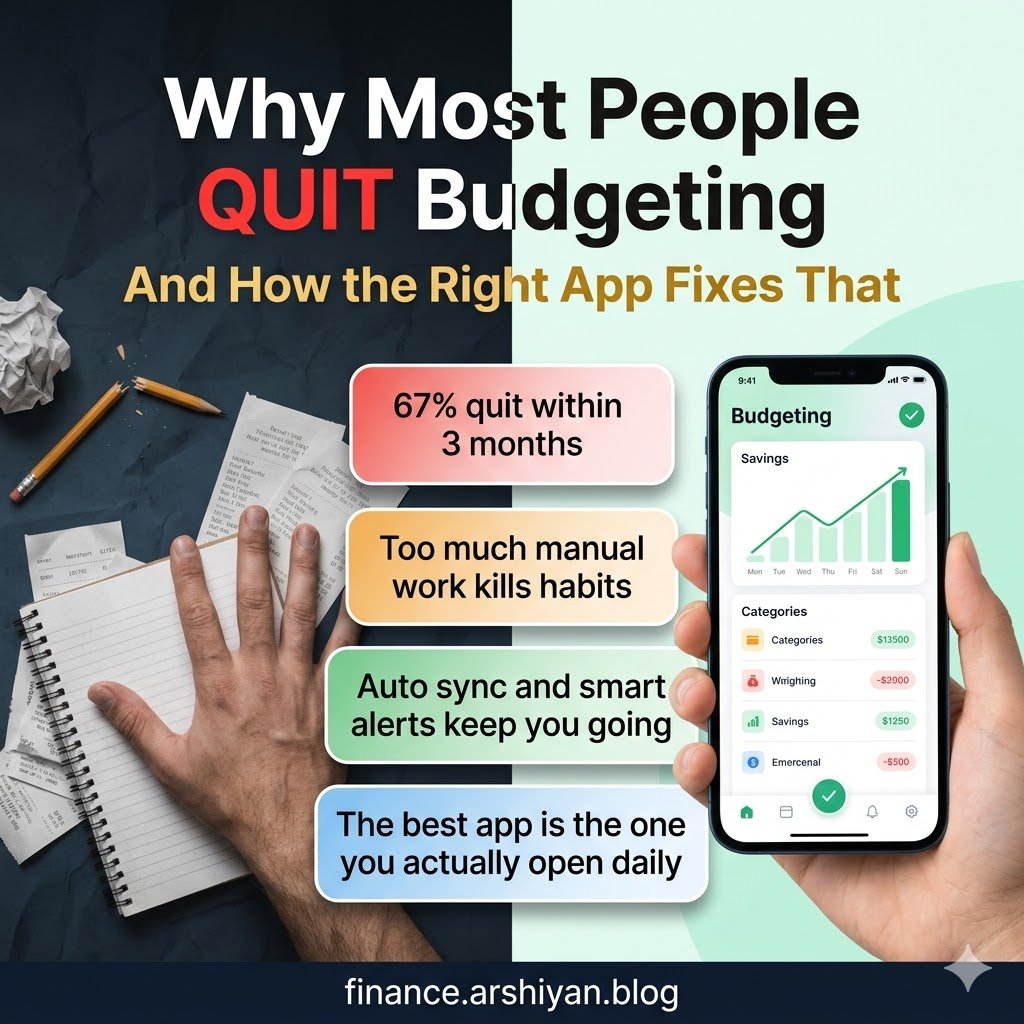
Let me be honest. Budgeting fails for one reason more than any other: friction. If an app takes more than 90 seconds to log a purchase or check your spending, you will abandon it within two weeks. A study published by the Financial Health Network in late 2024 found that 67% of people who downloaded a budgeting app stopped using it before the third month. The apps that survived on people’s phones shared one trait. They automated the boring stuff.
That is exactly what separates a great budgeting app from a pretty one that collects dust in your app drawer.
The Apps I Tested and How I Tested Them
I used each app as my primary budgeting tool for at least three weeks. I connected my bank accounts, tracked groceries, bills, fuel, subscriptions, and those sneaky little purchases that seem harmless until you add them up. I paid attention to how quickly transactions synced, how accurate the categorization was, and whether the app actually helped me spend less.
Here are the nine contenders.
YNAB (You Need A Budget)
YNAB is the overachiever of budgeting apps. It follows a philosophy called zero based budgeting, which means every single dollar you earn gets a job before you spend it. Think of it like assigning seats at a wedding. Every dollar sits somewhere specific, and nothing is left standing in the aisle.
I started with YNAB in January and it genuinely reshaped how I handle money. The first week was rough. Setting up categories, linking my Chase checking account and my Capital One credit card, and figuring out the “age of money” concept took patience. But by week three, something clicked. I stopped checking my bank balance nervously and started trusting the budget instead.
What stood out: The real time sync with my bank was almost perfect. Transactions from my debit card appeared within an hour, sometimes faster. The goal tracking feature let me set a target for my emergency fund and watch the progress bar inch forward, which felt surprisingly motivating.
Where it stumbled: The learning curve is steep. My partner tried it alongside me and gave up after four days, calling it “homework for adults.” At $14.99 per month (or $109 annually as of early 2026), it is also the priciest option on this list. That price stings if you are already tight on cash.
Best for: People who want to get serious about every dollar and do not mind spending a weekend learning the system.
Monarch Money
Monarch Money became my favorite surprise. It markets itself as a modern replacement for the now discontinued Mint, and it lives up to that promise without the ad clutter that made Mint feel like a billboard.
The setup took about ten minutes. I connected my Wells Fargo savings, a Discover card, and my Vanguard investment account. Monarch pulled everything together into a single dashboard that showed net worth, cash flow, and recurring expenses at a glance. The interface felt clean, almost calming, like someone designed it knowing that looking at your finances can trigger anxiety.
What stood out: The collaborative features are excellent. My wife and I share one Monarch subscription, and we each see the same accounts on our own devices. When she made a grocery run at Costco, the transaction popped up on my phone categorized correctly within minutes. That shared visibility killed the awkward “did you already pay the electric bill” conversations we used to have.
Where it stumbled: The investment tracking, while decent, does not compete with a dedicated platform like Personal Capital (now Empower). If you are looking for deep portfolio analysis, Monarch will leave you wanting more. The subscription costs $14.99 monthly or $99.99 per year.
A quick case study: A personal finance creator named Brennan from the YouTube channel “Money With Brennan” documented switching his entire household from spreadsheets to Monarch in early 2025. He reported saving roughly $340 per month within the first quarter simply because recurring subscriptions and forgotten memberships became visible in one place. He found three services his family had been double paying for.
Best for: Couples or families who want a shared, visually appealing financial dashboard.
Goodbudget
Goodbudget takes the old school envelope method and makes it digital. If your grandparents used to stuff cash into labeled envelopes for rent, groceries, and entertainment, this app recreates that system on your phone.
There are no bank connections here. You manually enter every transaction. I know that sounds tedious, and honestly, it is at first. But after two weeks of typing in each purchase, something interesting happened. I became hyper aware of my spending. Pulling out my phone to log a $7 coffee made me pause and think, “Do I really need this right now?” That friction, the very thing that kills most budgeting habits, actually became the feature.
What stood out: The free version is surprisingly generous. You get 10 envelopes (categories) and one account, which covers the basics for most single users. The paid plan at $10 per month unlocks unlimited envelopes and multiple accounts.
Where it stumbled: If you make a lot of small transactions throughout the day, manual entry becomes exhausting. I found myself batching entries at night, which meant I sometimes forgot purchases and my budget drifted from reality.
Best for: People who want to feel every transaction and prefer a hands on approach over automation.
PocketGuard
PocketGuard answers one question that most budgeting apps bury under charts and graphs: “How much money can I safely spend right now?” The app calculates your “In My Pocket” number by taking your income, subtracting bills and savings goals, and showing you what remains. Simple as that.
I set it up in about five minutes. Connected my bank, let it scan a month of transactions, and it immediately flagged a $12.99 streaming service I forgot I had. The AutoSave feature (available in the Plus plan at $12.99 per month) rounds up purchases and moves spare change into savings automatically.
What stood out: The bill negotiation feature. PocketGuard partnered with a service that analyzes your recurring bills and attempts to negotiate lower rates on things like phone plans, internet, and insurance. I let it try with my Xfinity internet bill and it knocked $15 off my monthly rate. That alone paid for several months of the subscription.
Where it stumbled: The free version has become quite limited in 2026. Many features that were previously free now sit behind the paywall, which left a bad taste in my mouth. The transaction categorization also misidentified Venmo transfers as “shopping” about 30% of the time.
Best for: People who want a quick snapshot of spendable cash without diving deep into categories.
EveryDollar
EveryDollar comes from Ramsey Solutions, the company built around Dave Ramsey’s financial teachings. If you follow the Baby Steps philosophy (pay off debt smallest to largest, build an emergency fund, invest 15% of income), this app was built specifically for you.
The free version uses manual entry, similar to Goodbudget. The premium version at $17.99 monthly connects to your bank and auto imports transactions. I tested both. The manual version was fine for simple budgets, but the premium version saved me about 15 minutes per week.
What stood out: The debt payoff tracker is the best I have seen in any budgeting app. It visualizes your debt snowball progress with a satisfying graph that makes you want to throw extra cash at your loans just to watch the line go down.
Where it stumbled: The app is tightly coupled to Dave Ramsey’s specific financial philosophy. If you disagree with any of his principles, like his firm anti credit card stance, the app will constantly remind you of those beliefs through tips and nudges. It can feel preachy. Also, $17.99 per month for bank syncing is steep when competitors charge less for the same feature.
Best for: Devoted followers of Dave Ramsey’s financial plan who want a tool that reinforces those principles daily.
Copilot Money
Copilot is an Apple exclusive app that leans heavily into clean design and smart automation. If you own an iPhone 14 or newer and appreciate thoughtful software, Copilot feels like it was designed by someone who actually uses it every day.
The AI powered categorization was the most accurate I tested. Out of roughly 200 transactions over three weeks, Copilot miscategorized only four. Compare that to YNAB (about 12 miscategorized) and PocketGuard (roughly 25 miscategorized). The app learns your patterns fast.
What stood out: The subscription tracking feature sends proactive alerts before renewals hit. It warned me two days before my Adobe Creative Cloud renewal, giving me time to cancel a plan I no longer needed. That saved me $54.99.
Where it stumbled: No Android version exists. If you are not in the Apple ecosystem, Copilot is simply not an option. The price is $14.99 monthly or $119.99 annually, which places it at the premium end.
Best for: iPhone users who value design, automation, and accurate categorization.
Simplifi by Quicken
Simplifi carries the Quicken name, which has decades of personal finance history behind it. The app focuses on cash flow forecasting, which means it looks ahead at upcoming bills and expected income to predict where your balance will be in 30, 60, or 90 days.
I found this forward looking approach incredibly useful during months with irregular income. As a freelancer, my paychecks do not arrive on a neat schedule. Simplifi mapped out my expected expenses against projected deposits and showed me exactly when tight spots were coming so I could prepare.
What stood out: The spending watchlists let you monitor specific categories without building a full budget. I set a watchlist on dining out and received a gentle notification when I crossed 80% of my self imposed limit. It felt like having a financially responsible friend tap you on the shoulder, not a stern parent wagging a finger.
Where it stumbled: The reporting features feel basic compared to Monarch or YNAB. If you love diving into historical spending trends and building custom reports, you will find Simplifi a bit shallow. It costs $5.99 per month or $47.88 per year, making it one of the more affordable premium options.
Best for: Freelancers, gig workers, or anyone with irregular income who needs to see the financial road ahead.
How to Pick the Right App for Your Situation
Choosing a budgeting app is a lot like choosing running shoes. The “best” one depends entirely on your feet, your terrain, and how far you plan to go. Here is a practical framework I wish someone had given me before I spent six months testing.
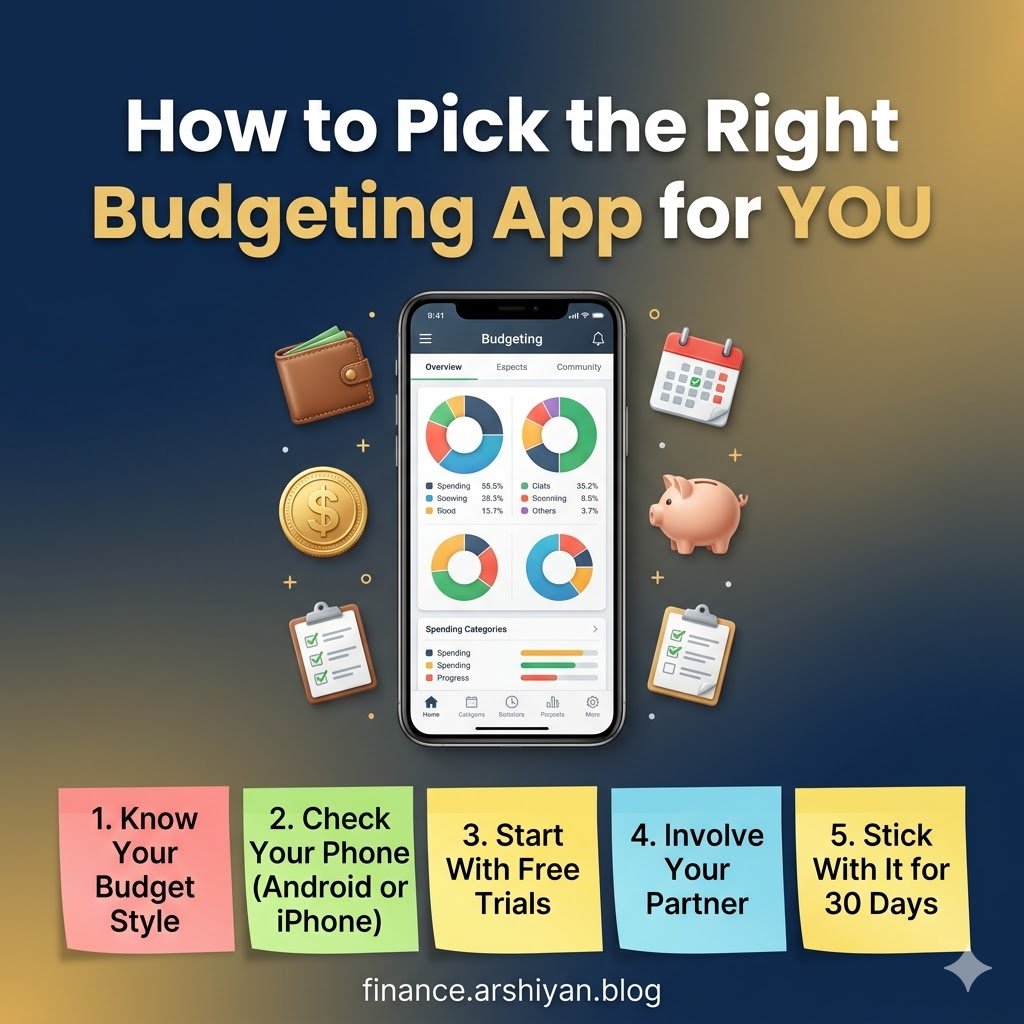
Step one: Figure out your budgeting personality. Are you a “set it and forget it” type who wants automation to handle the heavy lifting? Go with Monarch, Copilot, or PocketGuard. Do you prefer feeling each transaction as it happens? Goodbudget or the free version of EveryDollar will scratch that itch. Are you a numbers person who wants total control? YNAB is your match.
Step two: Check your phone. If you are on Android, cross Copilot off the list immediately. Everything else works on both major platforms.
Step three: Start with a free tier or free trial. Every paid app on this list offers at least 14 days free. Use that time intentionally. Connect your accounts, log transactions for a full week, and see if the app fits your routine naturally. Do not judge an app by day one. Judge it by day ten.
Step four: Involve your partner or household if applicable. A budgeting app only works if everyone spending from the same pool of money participates. Monarch handles this best, but YNAB also supports multiple users on one subscription.
Step five: Give it 30 full days before switching. App hopping is the number one budget killer I see people fall into. Every switch resets your data, your habits, and your momentum.
A Real World Result Worth Mentioning
The Consumer Financial Protection Bureau published a report in mid 2025 analyzing the financial habits of 3,000 Americans who used digital budgeting tools consistently for at least six months. The findings were striking. Participants reduced discretionary spending by an average of 12% and increased their savings rate by roughly 8 percentage points compared to a control group that budgeted on paper or not at all. The report attributed much of this improvement to automated categorization and real time spending visibility, two features that nearly every app on this list provides.
That data mirrors my own experience. After six months of using YNAB (which I eventually settled on as my daily driver), I saved an extra $2,100 compared to the same period the previous year. My grocery spending dropped 18% simply because I could see the running total in real time and course correct mid month.
What None of These Apps Can Do for You
No app will fix a spending problem rooted in emotional triggers. If you shop when stressed or buy things to fill a void, the prettiest dashboard in the world will just give you a detailed record of the habit. Real budgeting starts between your ears. The app is a tool, like a hammer. It is useless if you never pick it up, and dangerous if you use it to beat yourself up over every imperfect month.
Be kind to yourself when you overspend a category. Adjust, move money around, and keep going. The people who succeed with budgeting are not the ones who never slip up. They are the ones who slip up and open the app the next morning anyway.
That is the real secret none of these apps advertise on their download pages. Consistency beats perfection every single time.
